A branding studio built on words
Art, meet copy.
Inky Clean works with design agencies, in-house marketing teams, and smart, scrappy founders who value the power of words to show and tell their stories.
Featured
projects



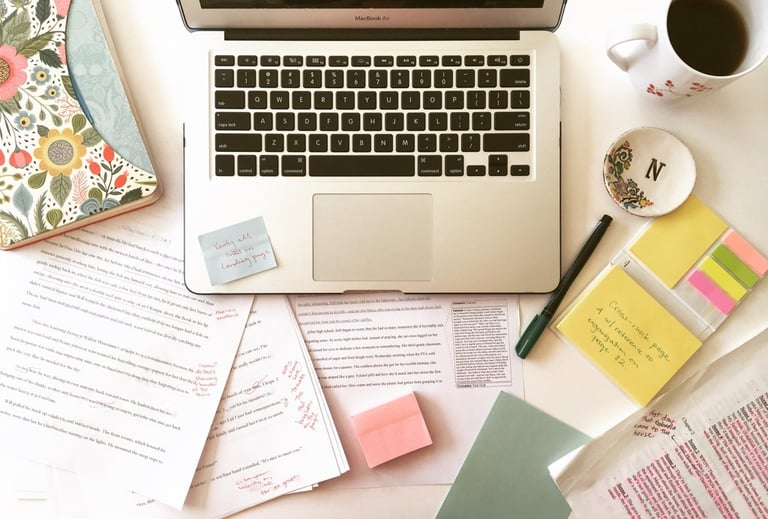
Newsletter and website messaging + copywriting
Business naming, website messaging + copywriting
Email newsletter copywriting
INKY CLEAN IS A SMALL-BUT-FIERCE COPYWRITING STUDIO EMPOWERING BRANDS TO TELL THEIR STORIES.
In a world that's increasingly automated, we aim to stay radically human. This makes us a not-so-great fit for businesses that want to use words like "synergy" and "leverage," but a perfect fit for those on a mission to stay true to their passions and their customers.
We believe great brands are the ones doing good in our world. We fearlessly—and strategically—champion your voice and your message.
Founded in 2010 by Natalia Sylvester, Inky Clean is proud to be a woman-run and Latina-owned business based in Miami, Florida.
OUR SERVICES
Our work is equal parts introspection, exploration, and discovery. Words have the power to change the world, so we wield them with thought and purpose.
We delve deep into the core of your brand and message to craft:
BUSINESS NAMES + TAGLINES
WEBSITE COPY
PRODUCT PACKAGING
PRODUCT DESCRIPTIONS
MANIFESTOS, MANTRAS + MORE....
About
Words from clients
Julie Ashkenazi, Creative Director
MEDIUM DIGITAL STUDIO
"Natalia is a remarkable creative partner. Her strong brand understanding, combined with her impressive communication skills have helped drive growth and awareness for our clients across retail channels and social platforms."
Heather Harris, Founder
COPPER BOTTOM DESIGN CO.
“This is so fantastic I almost don’t have the words to describe how happy this copy makes me! You nailed it! You really took what I do and described it in an easy to understand way. And the voice is perfect.”
Arianne Foulks, Founder
AEOLIDIA
“I was so happy to finally find the copywriter of our dreams, and Natalia continues to impress me with every one of her projects."